Write it. Make it.
Describe a new image, or choose up to three references and explain what should change. Browse the results in your library and save a copy wherever you need it.
 CNNCT Image
YOUR COMPUTER. YOUR CREATIVE SPACE.
Create from a prompt. Edit your own images. CNNCT Image gives local AI a workspace that feels like an app.
Get CNNCT ImageFor Apple Silicon and Windows with NVIDIA.
No account. No per-image credits.
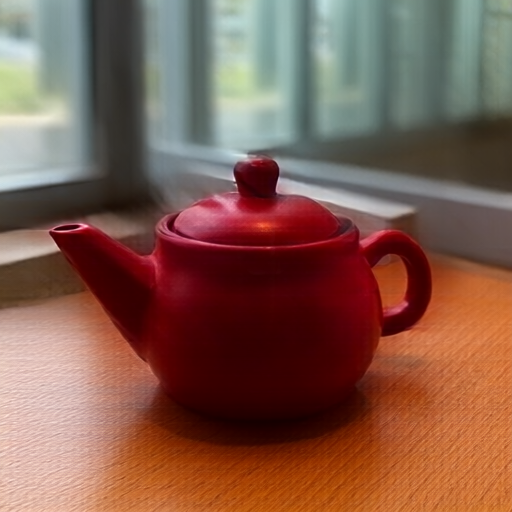
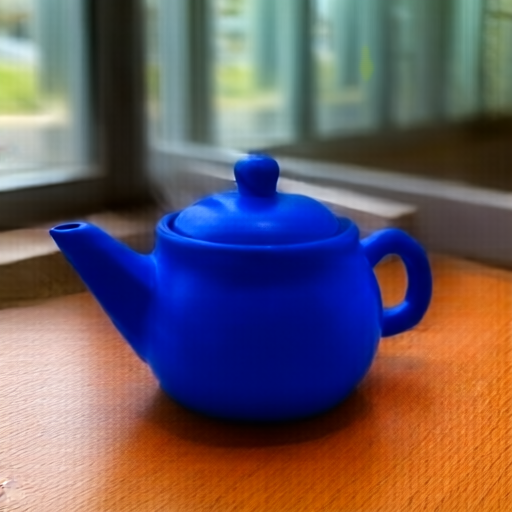
Real Qwen Image 2.1 outputs from an M1 Max. 512 × 512, 12 steps.
A LOCAL IMAGE WORKSPACE
Describe a new image, or choose up to three references and explain what should change. Browse the results in your library and save a copy wherever you need it.
Import a list of prompts or apply one instruction to a folder of images. Jobs run one at a time. Pending work is saved when you close the app.
An authenticated localhost API handles generation, edits and queue controls. Use the desktop app when you want to see the work, and scripts when you want to repeat it.
LOCAL BY DESIGN
Model setup downloads files from GitHub and Hugging Face. After setup, generation uses the models on your computer. There are no hosted inference calls, analytics or automatic updates in the app.
For an enforced offline session, disconnect your internet connection. Keep your data folder outside cloud-sync services. The app does not install a firewall or encrypt your files.
CNNCT IMAGE 0.1.0
Download the app, install the model once,
then start making images.
Apple Silicon · macOS 26 or later
Preparing Mac downloadRelease being prepared.
Windows 11 x64 · NVIDIA CUDA GPU
Preparing Windows downloadRelease being prepared.
Includes NVIDIA CUDA components, subject to the CUDA licence and third-party notices.